

Your screens show what matters. For mAIxs clients.
Automatically put news, KPIs, planning, reviews and team updates on screens in your reception, showroom, canteen or workshop. You decide what runs where. Narrowcasting keeps it current.
- Free for mAIxs clients
- Your own brand style
- Control screens per location
What it is
Screen communication that never goes stale
Narrowcasting is for businesses that already have screens up but do too little with them. No more outdated PowerPoint at reception. No more team update that disappears in email. You build blocks, schedule them and let each screen show the right information automatically.
Demo
A look inside the app
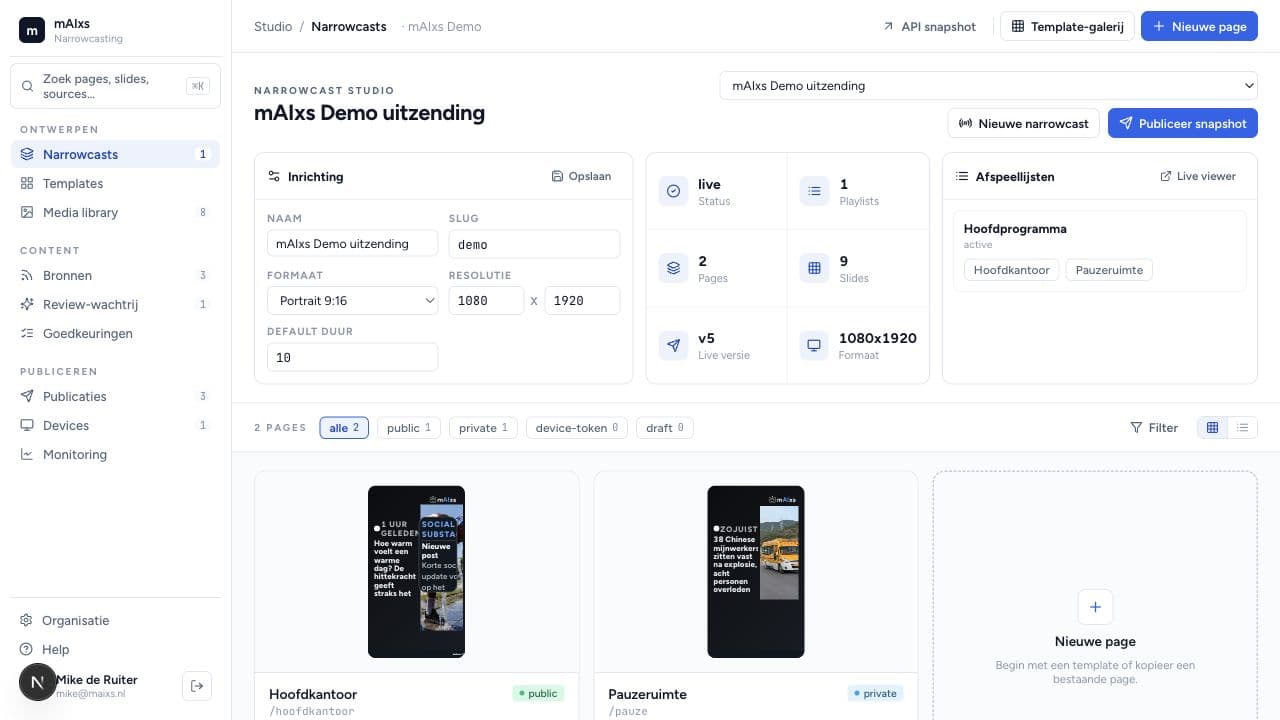
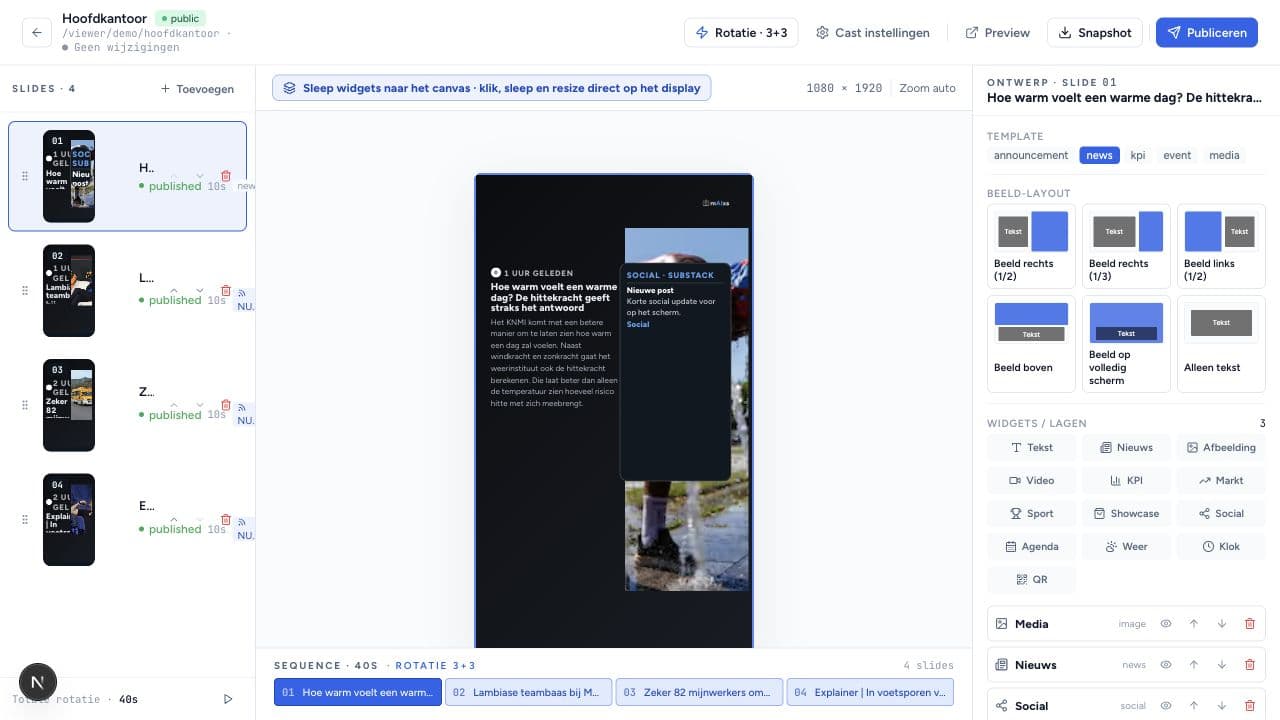
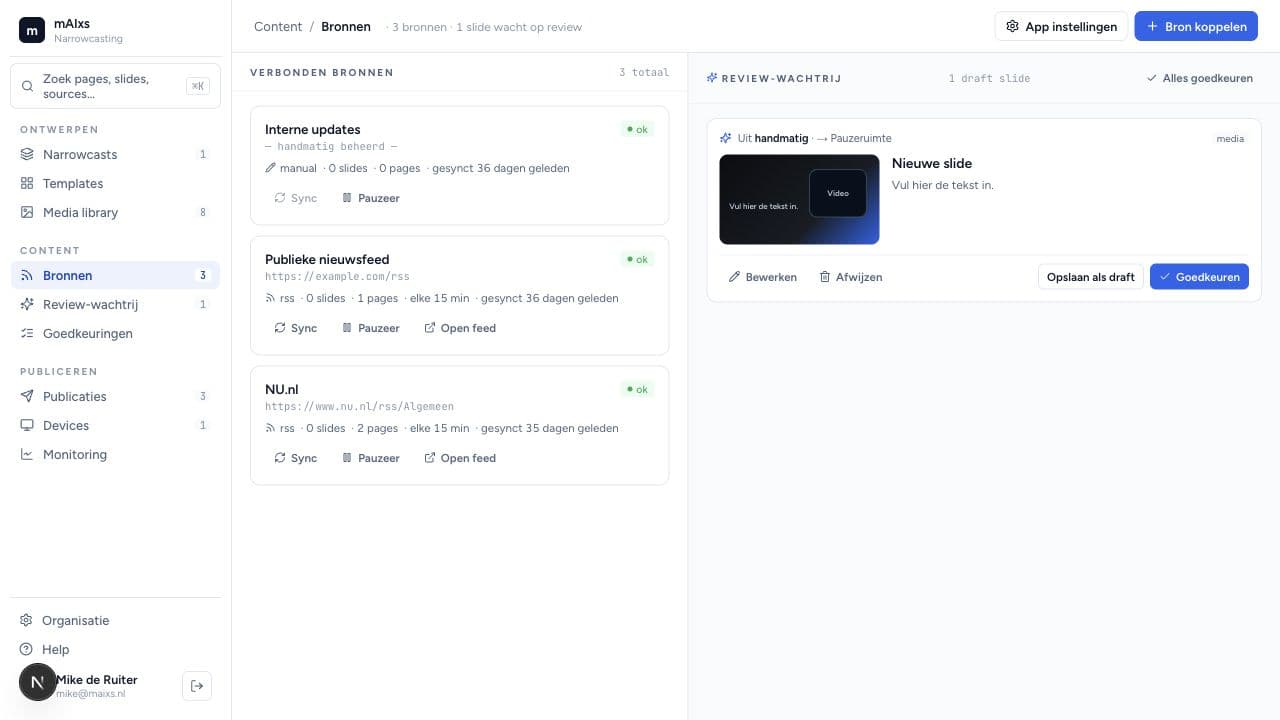
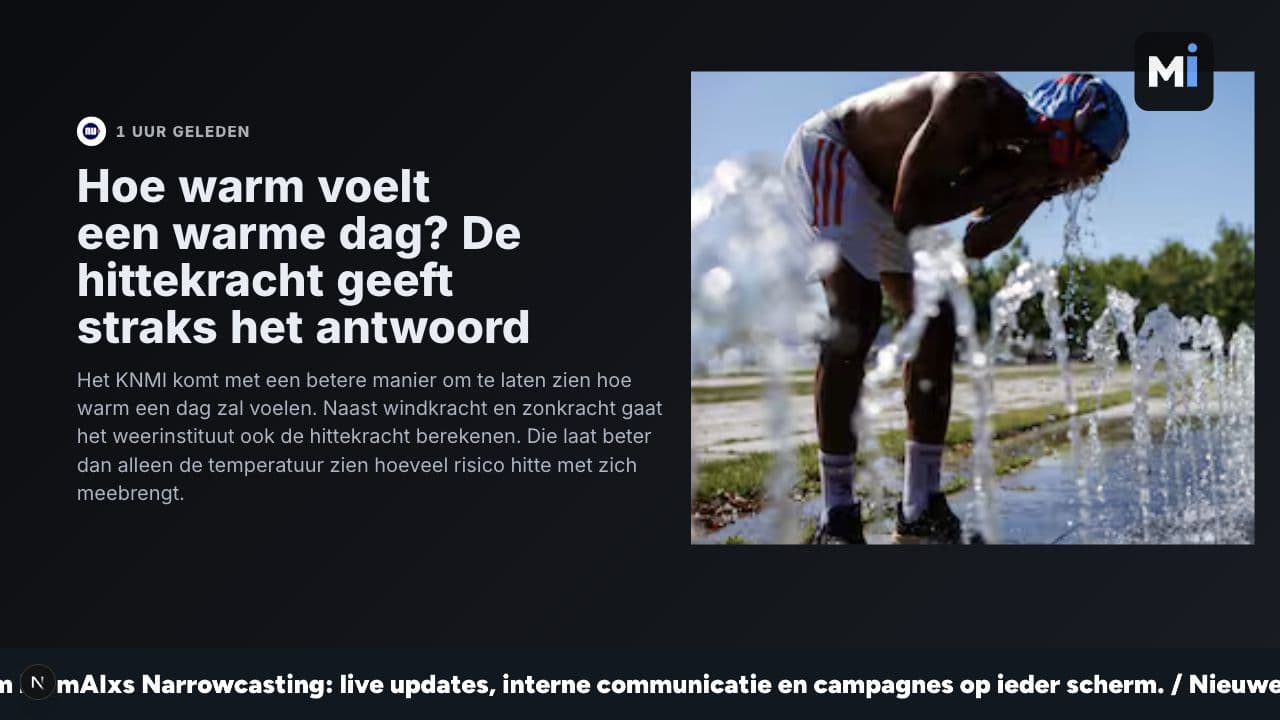
What Narrowcasting does
From scattered screens to a channel your business uses every day.
Screens per location
Show different content at reception than in the workshop or showroom. Each screen gets its own playlist.
News and announcements
Post company news, safety notices, promotions or customer updates. Everyone sees it without you having to email again.
KPIs and dashboards
Run revenue, planning, tickets, reviews or production numbers live. Not in a report no one opens, but on the screen.
Smart scheduling
Queue content for a day, week or month. A promotion ends on its own. A team update appears at exactly the right moment.
Your brand style
Logo, colours, font and templates match your business. The screen feels like your channel, not a separate tool.
Filled automatically
Connect news, planning, reviews, stock or CRM data. What's already in your systems, no one has to retype.
On your screens in three steps
- 1
Choose your screens
Reception, canteen, showroom, workshop or office. We decide per location what people should see there.
- 2
Build your blocks
News, planning, KPIs, reviews, promotions or your own messages. You set the basics up once.
- 3
Publish automatically
Narrowcasting runs the right content on the right screens. You only need to adjust.
What does it cost?
Part of the mAIxs subscription. No separate cost.
For mAIxs clients
Free
- Unlimited content blocks
- Screen groups per location or department
- Your own brand style and templates
- Integrations with your existing systems
Not a client yet?
On request
Curious about Narrowcasting? Book a short demo. We'll show you how it works and whether it fits.
- A demo with sample screens for your business
- Short intake: which screens do you already have?
- Pilot on a reception or canteen screen on request
Frequently asked questions
Who is Narrowcasting for?
For businesses with screens in reception, showroom, canteen, office or workshop. Think installers, manufacturers, showrooms, hospitality, care locations and B2B service providers.
Do I need special screens?
Usually not. An existing screen with a small player, browser or smart-TV capability is often enough. At the intake we look at what's already there.
Can it show data from my systems?
Yes. Think planning, tickets, reviews, stock, CRM data or news from your website. We connect via API, n8n or a simple feed.
Who manages the content?
You can do it yourself, but you don't have to. Many clients set up fixed blocks and let automatic sources fill the rest.
What does Narrowcasting cost?
Nothing, if you're a mAIxs client. It's included in the subscription by default. Hardware or specific players are not automatically part of it.
Put your screens to work
No more static PowerPoint. Put your most important updates where people actually see them.