

Your AI chatbot. Your API key. Exclusively for mAIxs clients.
Plug in your own API key from Gemini, Claude, OpenAI or Mistral. Works on your website, WhatsApp and Google Chat at once. A mAIxs client? Then you simply use it for free.
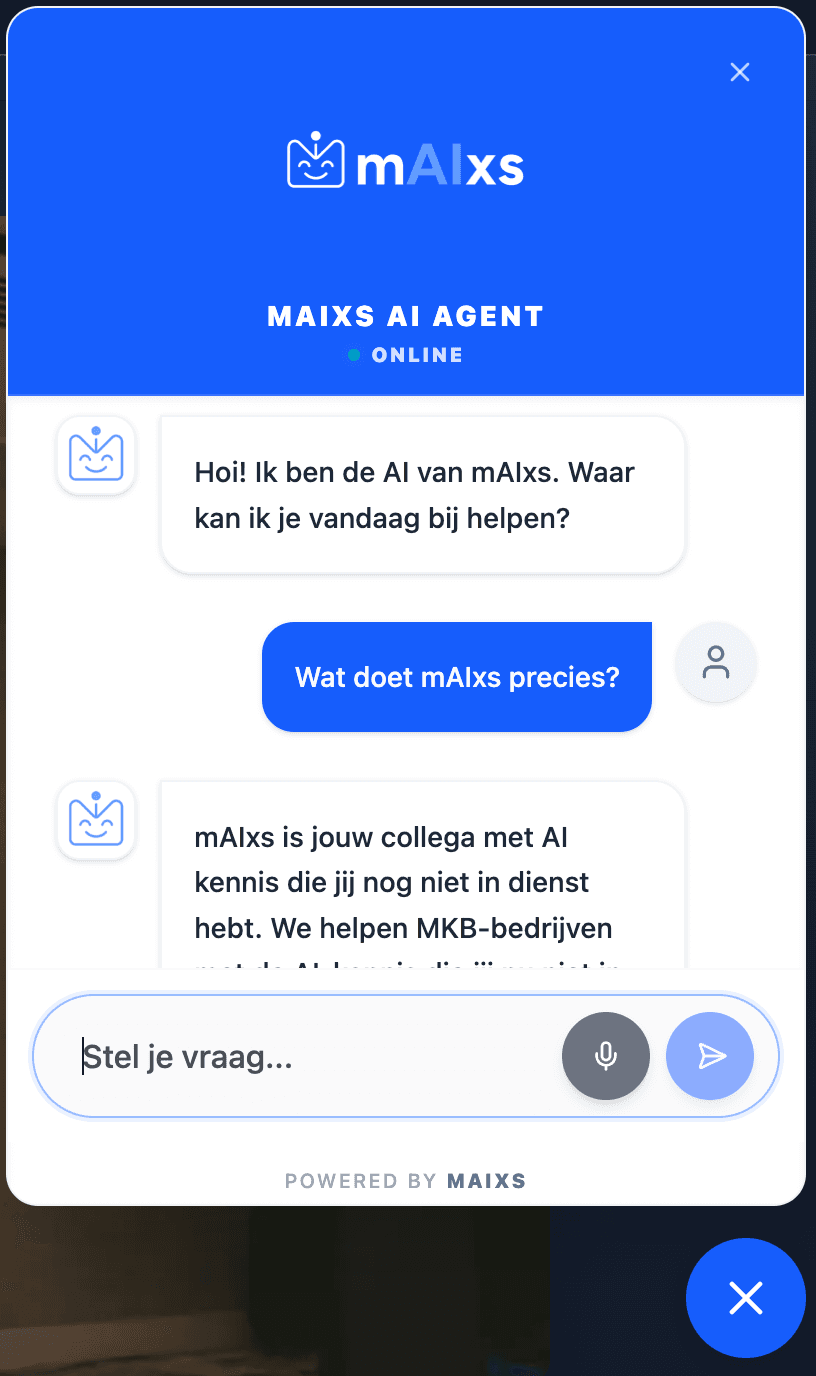
Already used by SMEs across the Netherlands
500+
conversations per month
92%
answered automatically
Right away
live for mAIxs clients
24/7
available for your leads
What you run into with other chatbots
The problem with the rest
- Expensive monthly subscriptions, plus a markup on the AI costs on top. So you pay twice.
- Just your website. WhatsApp or Google Chat too? That's yet another subscription.
- Wrong answers because the search results are off or outdated.
The solution with mAIxs AIbot
- Bring Your Own Key: Choose which AI you want (Gemini, Claude, OpenAI or Mistral) and pay the API costs directly to the provider. We're not in between.
- One chatbot, three channels: Web, WhatsApp and Google Chat from the same bot. Your customer can switch channels without losing the conversation.
- Always on: The bot runs 24/7 and checks your calendar itself for when a colleague is available to take over.
- Free as a mAIxs client: Already a client? Then AIbot is simply included.
See for yourself
| Feature | Traditional chatbot | SaaS chatbot | mAIxs AIbot |
|---|---|---|---|
| Subscription cost | €€€ | €€€€ | Free for mAIxs clients |
| Own API key (BYOK) | No markup, pay directly | ||
| Choose your AI provider | 4 providers + auto-fallback | ||
| Multi-channel | €€€ extra | Web + WA + GChat | |
| Hybrid search | Vector only | Exact + vector | |
| Smart handoff | Manual | AI-driven |
What's included?
You pick the AI provider. We handle the rest.
Bring Your Own Key
You connect your own API key from Gemini, Claude, OpenAI or Mistral. The costs go straight to the provider, we charge nothing extra.
Web + WhatsApp + Google Chat
One bot for all your channels. Customers can switch from WhatsApp to web halfway without starting over.
Hybrid knowledge base
Combines exact and semantic search. The bot crawls your sitemap itself and refreshes only what changed.
Voice AI Chat
Visitors press the microphone and talk. The bot listens in real time and answers right away. Everything is stored server-side.
Lead capture at the right moment
The lead form appears only when it's relevant in the conversation. Not sooner, not later.
Human handoff
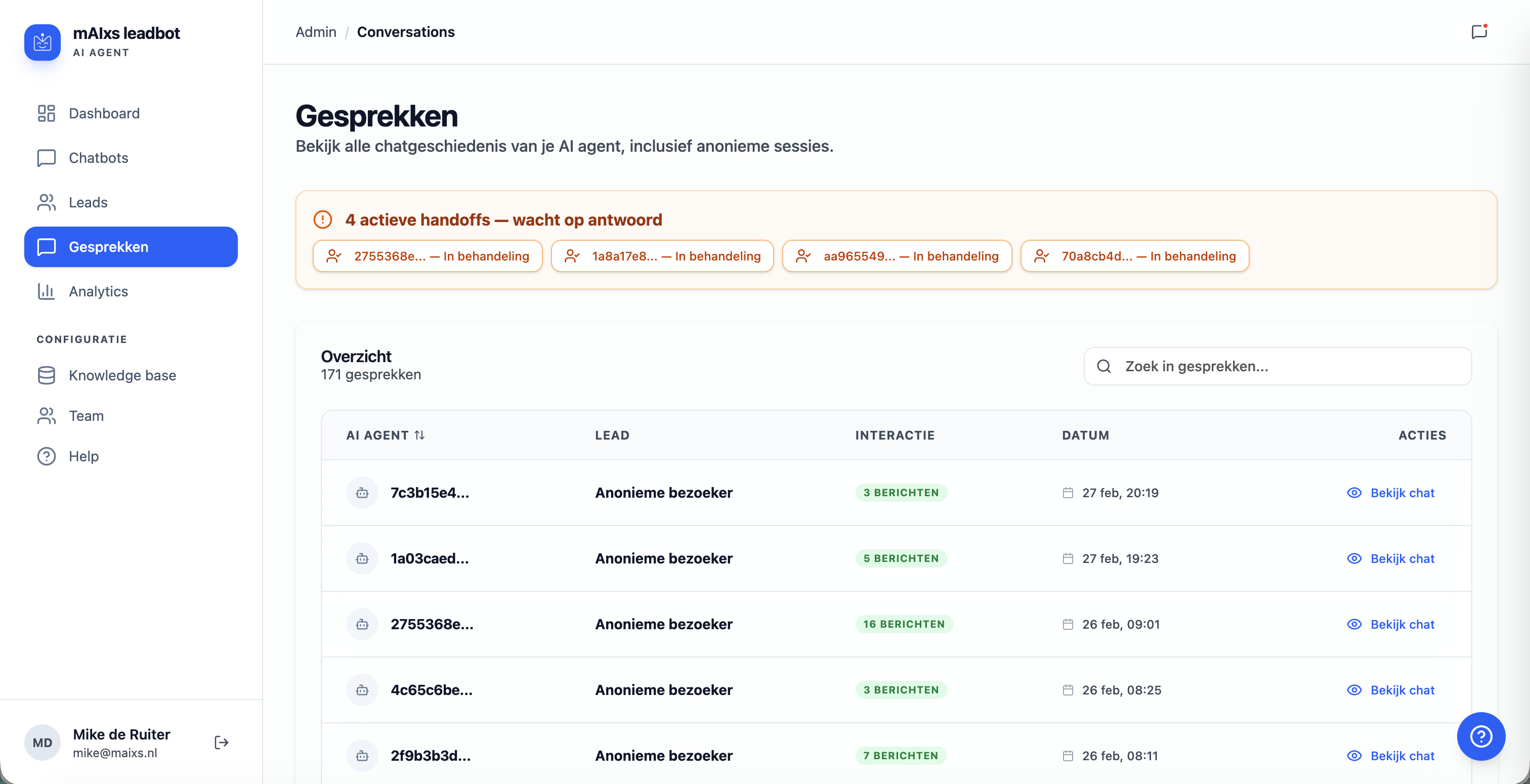
Conversation getting too specific? The bot hands off to a colleague, with the full context and your calendar availability.
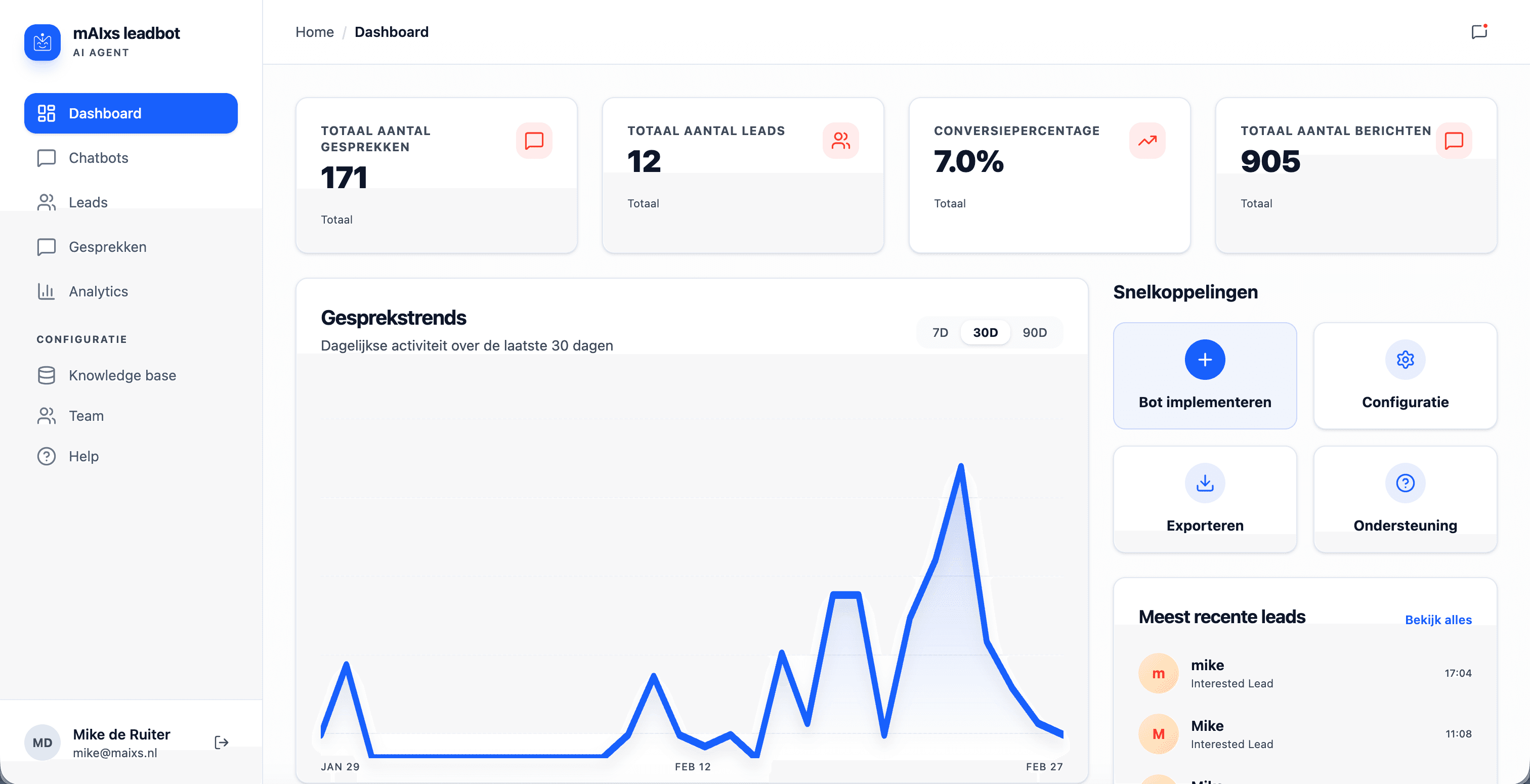
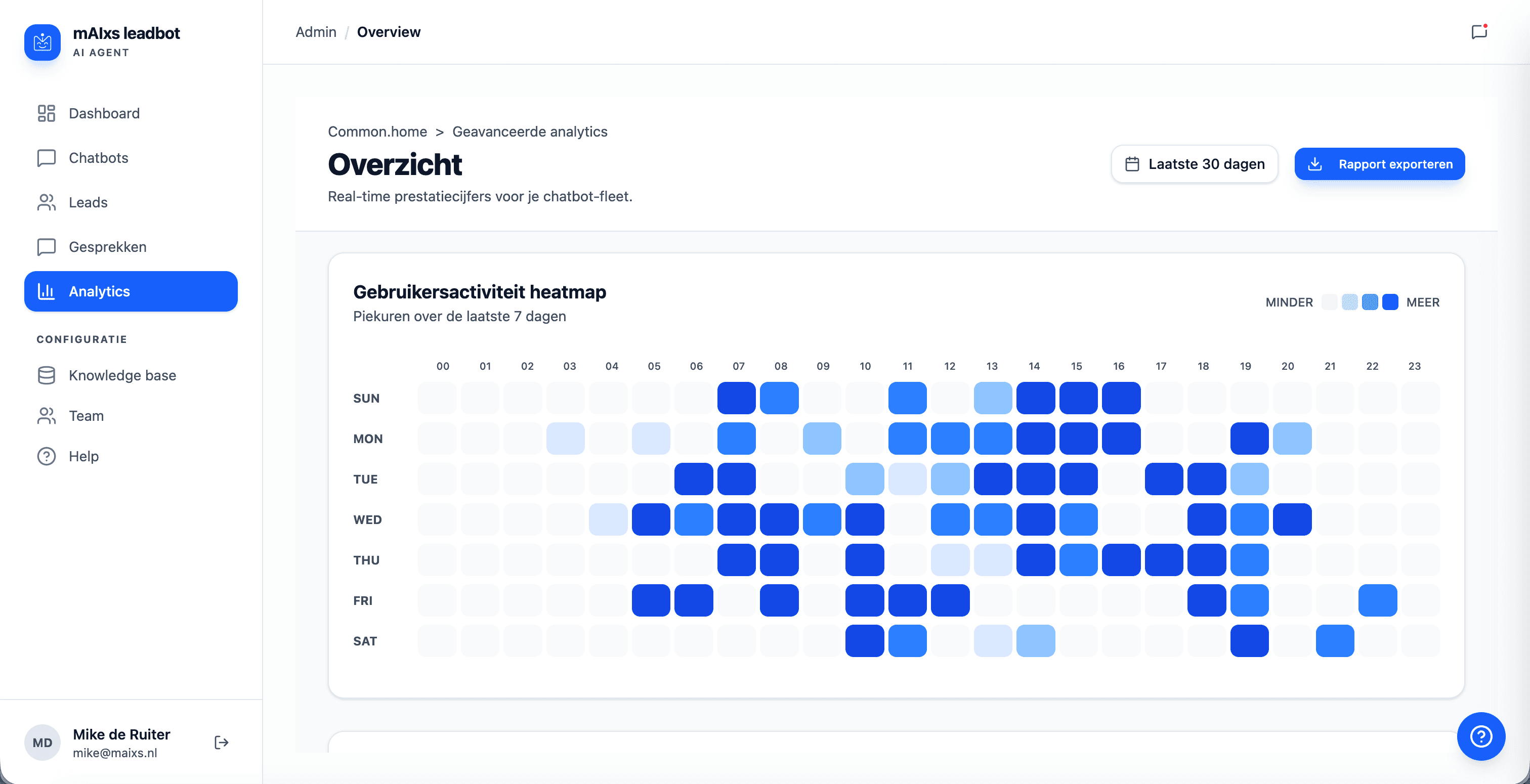
Track everything in your analytics dashboard:
Voice mode active
Real-time speech recognition
Visitor says:
"Hi, I want to know what you can do for our customer service"
AIbot answers:
"We help businesses like yours with AI for customer service. Want me to schedule a demo?"
Talk instead of type
Some people just want to quickly speak something. Press the mic, ask your question, get an answer. It also works well for longer or complex questions where typing gets annoying.
- Real-time voice, virtually no delay
- Also works on older browsers via pipeline mode
- Every conversation is stored as text, including the voice chats
The bot knows when you're needed
Sometimes a human is better. AIbot recognises that and hands off. Your colleague gets the whole conversation: topic, tone, everything. The customer doesn't have to repeat anything. The bot also checks whether you're available at all.
- Checks your calendar to see if someone is available
- The complete conversation goes to your colleague
- The customer barely notices, just keeps talking
Live in three steps
Add your API key
Log in with your mAIxs account and paste the API key of the AI provider you want to use.
Enter your website URL
Enter your URL. The bot reads your site and knows what it's about right away. You adjust colours and tone yourself.
One line of code, done
Copy the script snippet and paste it into your site. That's all.
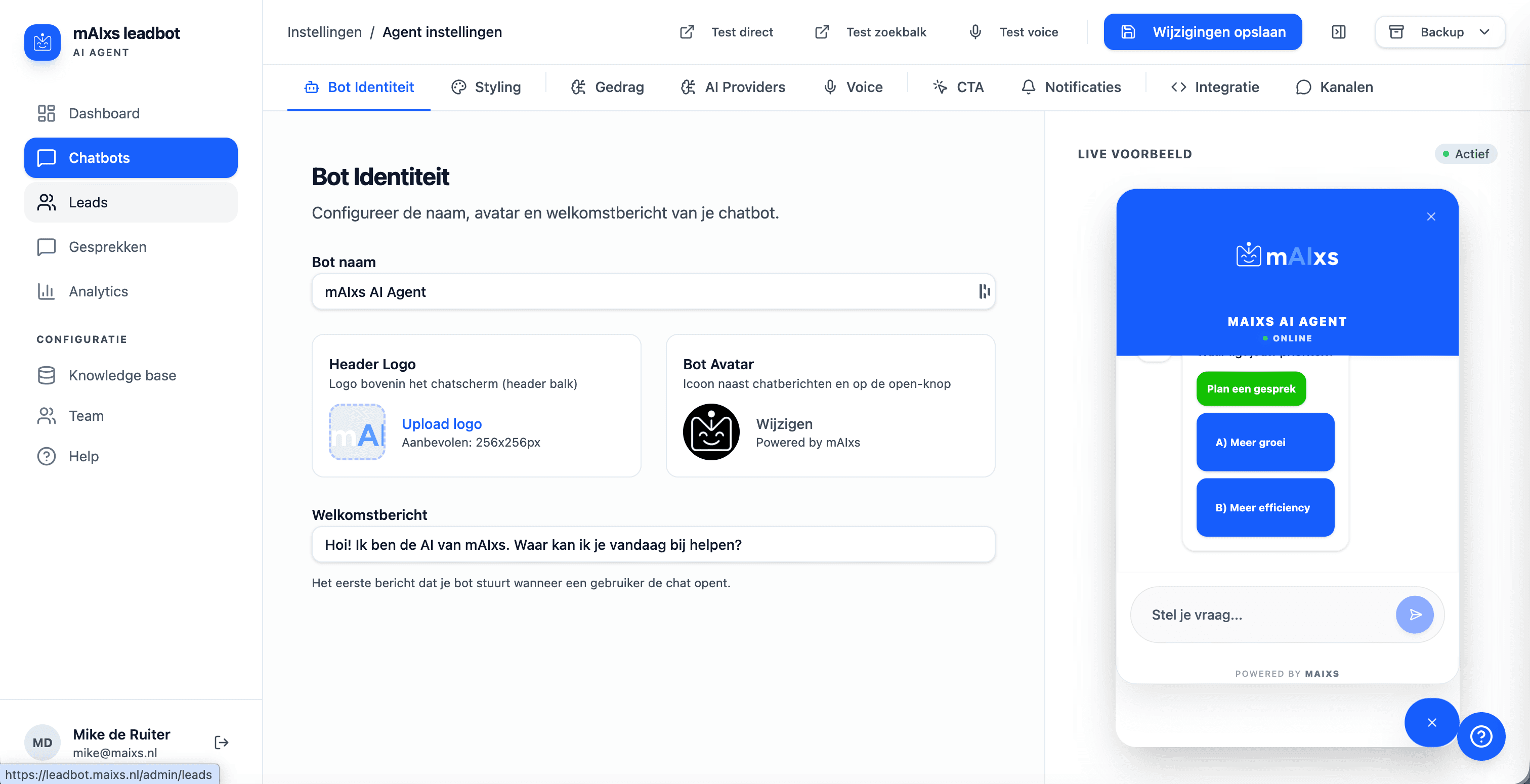
Configuring your bot? Here's what that looks like:
mAIxs AIbot against the market
How does AIbot do in practice? We put our chatbot next to 39 chatbots of Dutch municipalities. On six points, with figures from an independent study. Print and PDF export included.
- 100%AIbot runs on AI
- 33%Market runs on AI
- 39Municipalities measured
- 6Points compared
What does it cost?
You only pay your own AI usage to the provider. Nothing else.
For mAIxs clients
Free
- As many chatbots as you want
- Web, WhatsApp and Google Chat included
- Knowledge base with analytics
- Only API costs, directly to your provider
Not a client yet?
On request
Not a mAIxs client yet but interested? Let's have a quick call. We'll show you what it can do.
- Live demo of the platform
- See what mAIxs can do for you
- Tailored onboarding
Frequently asked questions
If you're already a mAIxs client: nothing. We charge no licence fees. You only pay the usage costs to the AI provider you choose yourself, think a few cents per conversation with OpenAI or Google.
Want to try it yourself?
Already a mAIxs client? Log in and get started right away. Otherwise we're happy to take a look with you.